What happened
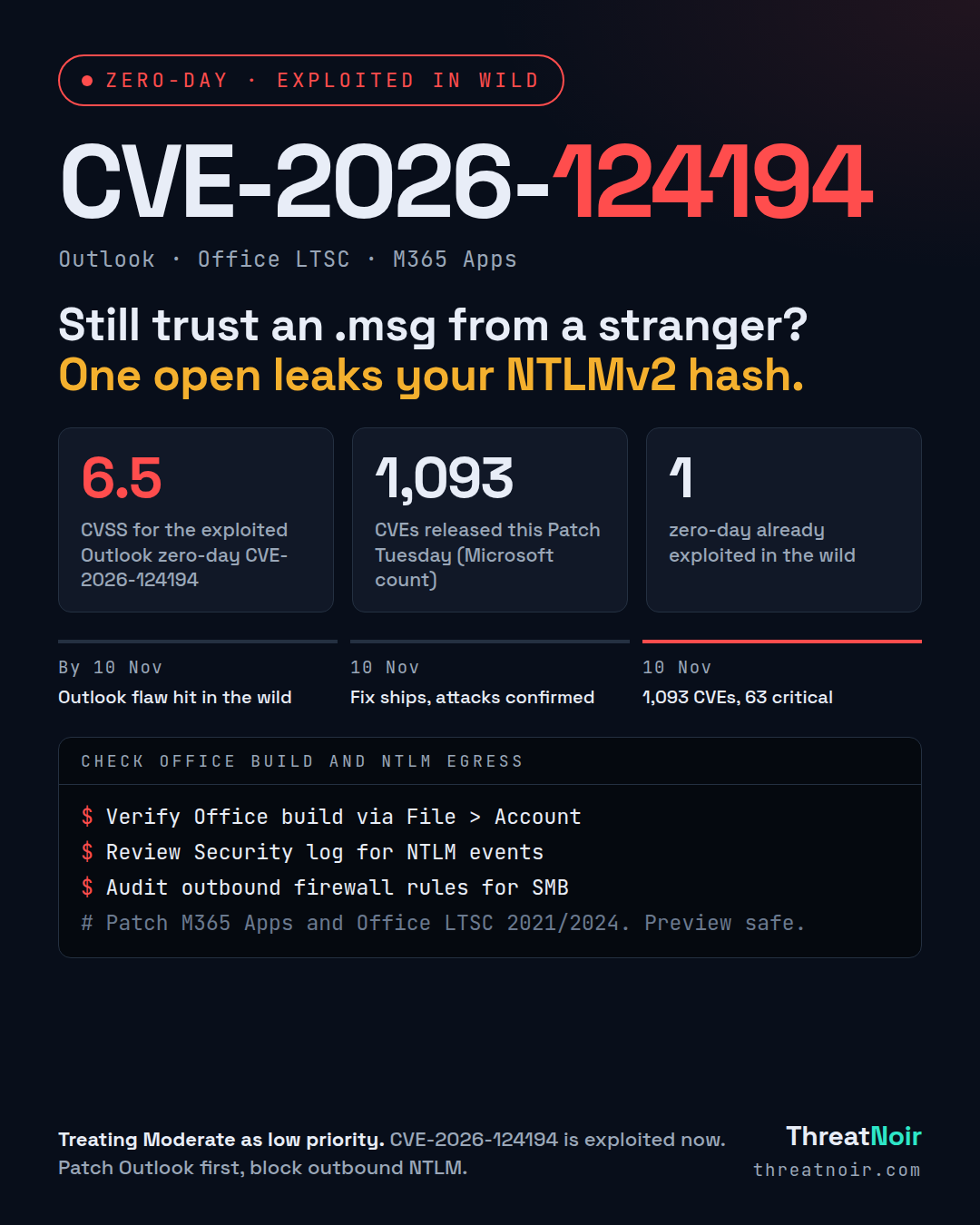
Microsoft shipped its November 2026 Patch Tuesday on 10 Nov. By Microsoft's own count it fixes 1,093 CVEs: 63 critical, 1,029 important and one moderate. Counts differ across trackers because some include Edge and earlier-in-month fixes: BleepingComputer lists 1,235 flaws including Edge, SecurityWeek counts 1,094. The number that matters tonight is one: a single Outlook zero-day that is already being exploited.
That zero-day is CVE-2026-124194, a Microsoft Outlook spoofing vulnerability with a CVSS score of 6.5, rated Moderate. Despite the low rating, Microsoft confirms it has been exploited in the wild. An unauthenticated attacker sends a specially crafted message file. If a user opens it, Outlook connects to an attacker-controlled network location without the usual external-content warning. That connection discloses the user's NTLMv2 authentication hash, which an attacker can crack offline or relay to impersonate the user.
The flaw needs user interaction and network connectivity. The Preview Pane is not an attack vector. The discovery was credited to a researcher using the moniker 'nono' and to Benoît Sevens, with the acknowledgement noting use of Anthropic's Claude model.
Timeline
- Before 10 Nov: CVE-2026-124194 exploited in the wild as a zero-day.
- 10 Nov: Microsoft releases the fix and confirms attacks have occurred.
- 10 Nov: Full November release lands, 1,093 CVEs by Microsoft's count.
Am I affected?
You are exposed to the exploited zero-day if you run Outlook from any of these, 32-bit or 64-bit:
- Microsoft 365 Apps for Enterprise
- Office LTSC 2021
- Office LTSC 2024
Beyond the zero-day, this release carries 48 critical RCE fixes. Notable ones for server and AD admins include CVE-2026-118146 (Active Directory Domain Services RCE, CVSS 8.8, assessed Exploitation More Likely), CVE-2026-118207 (Exchange Server RCE, CVSS 8.8, Exploitation More Likely) and CVE-2026-119952 (Schannel RCE, CVSS 8.1, unauthenticated, Exploitation More Likely). SharePoint Server has an important EoP at CVSS 9.9 (CVE-2026-120002). Excel alone has a dozen critical RCE fixes. Hyper-V has eight critical EoP flaws.
This is also the final monthly security update for Windows 11 version 23H2 Enterprise and Education editions. Those devices will get no further updates.
What to do now
- Patch the exploited Outlook flaw first. Deploy the November updates to M365 Apps, Office LTSC 2021 and Office LTSC 2024 on all user endpoints. Do not wait on the Moderate rating.
- Block outbound SMB and NTLM authentication to the internet at the firewall and proxy, so a leaked hash cannot reach an attacker-controlled server.
- Patch internet-facing and domain infrastructure next: Active Directory Domain Services (CVE-2026-118146), Exchange (CVE-2026-118207), Schannel (CVE-2026-119952).
- Confirm Office build numbers after update to verify the fix actually landed.
- Enforce NTLM hardening where possible: SMB signing, and restrict NTLM to remote servers.
How to hunt
- Look for Outlook sessions followed by outbound SMB or HTTP connections to unfamiliar external IPs or UNC paths.
- Review security event 4648 (explicit credential use) and NTLM authentication events for unexpected destinations.
- Search mail gateways and user mailboxes for inbound message files (.msg and similar attachments) that would be opened in Outlook, focused on the period before you patched.
- Check for any successful authentication from accounts whose users opened such files, from unusual sources.
What does not help
- Relying on the Preview Pane being safe does not protect you. The user still has to open the file, but once they do, no external-content warning is shown.
- Treating the Moderate CVSS as low priority is the trap here. Microsoft confirms active exploitation, so exploitation status should drive your order, not the severity label.
Sources
- Microsoft November 2026 Patch Tuesday Fixes 1,093 Vulnerabilities, Including Outlook Zero-Day, Cyber Security News, 10 Nov
- Microsoft’s November 2026 Patch Tuesday addresses 1093 CVEs (CVE-2026-124194), Tenable Research, 10 Nov
- Microsoft November 2026 Patch Tuesday fixes 1,235 flaws, Outlook zero-day, BleepingComputer, 10 Nov
- Exploited Outlook Zero-Day Among 1,094 Flaws Patched by Microsoft, SecurityWeek, 10 Nov